Account Setup
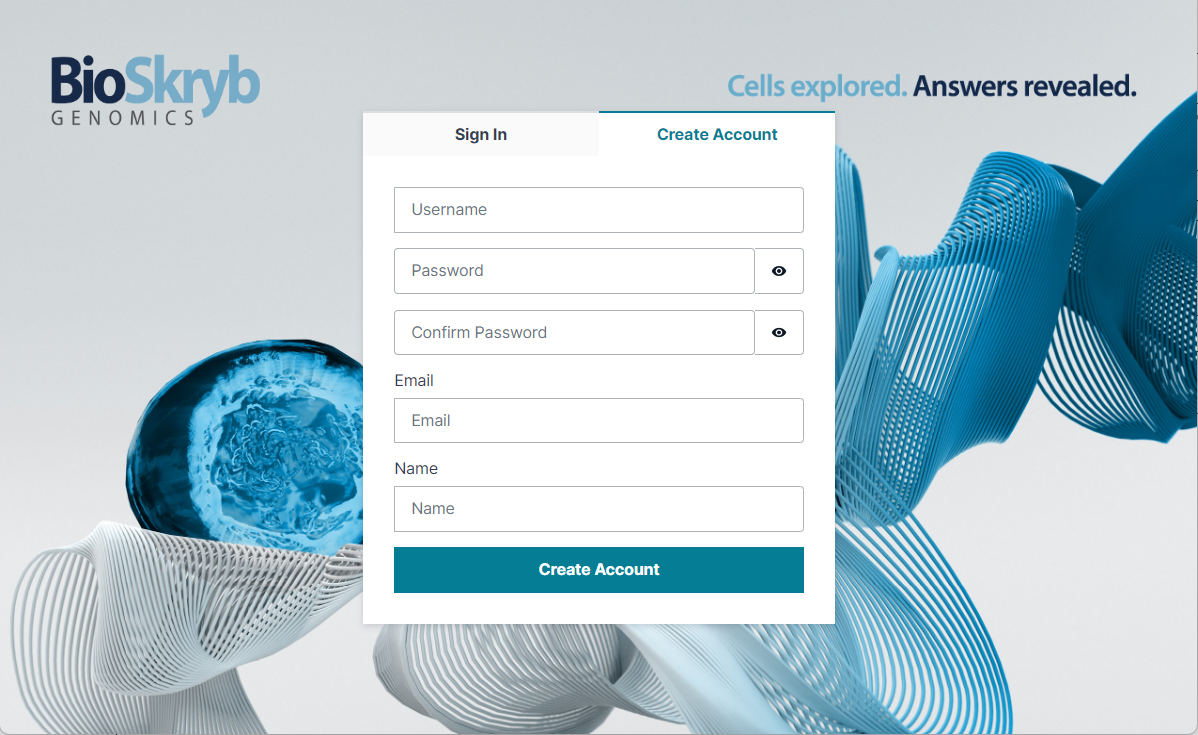
Create Account#
Any user can register for the BaseJumper account. Upon account creation, users will receive an email from BaseJumper admin granting access.
Demo Workspace#
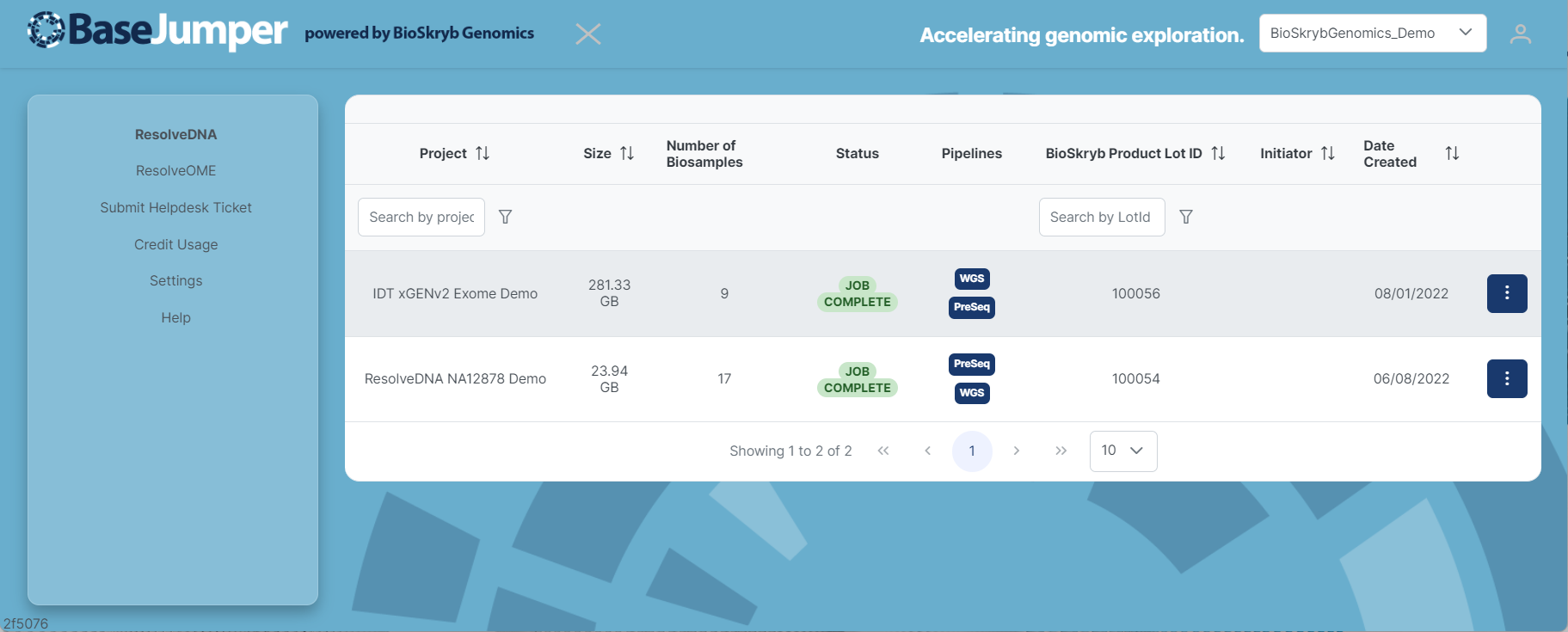
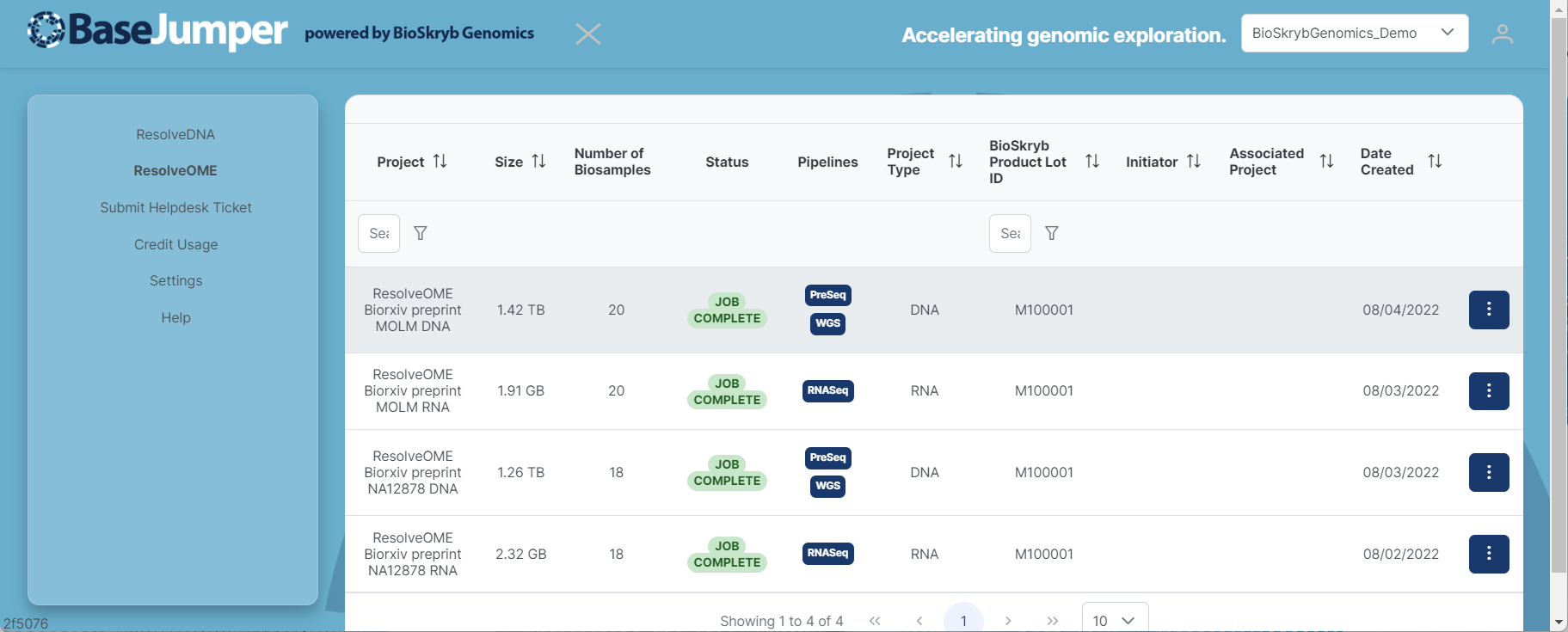
All users are assigned to BioSkryb Demo Workspace. You will have limited access to the data available in demo workspace. Users can view the projects and pipeline results.
ResolveDNA Demo Projects
ResolveOME Demo Projects
Organization Workspace#
-
To request a workspace, contact an administrator at: BaseJumper@bioskryb.com or Request New Account
-
Once registered, you will be assigned to BioSkryb Demo Organization and BioSkryb Demo Workspace. You will have limited access until an administrator assigns you into a workspace. You can access your organization and workspace when you login.
Workspace and Projects Selection
